Modifying
Cache Duration
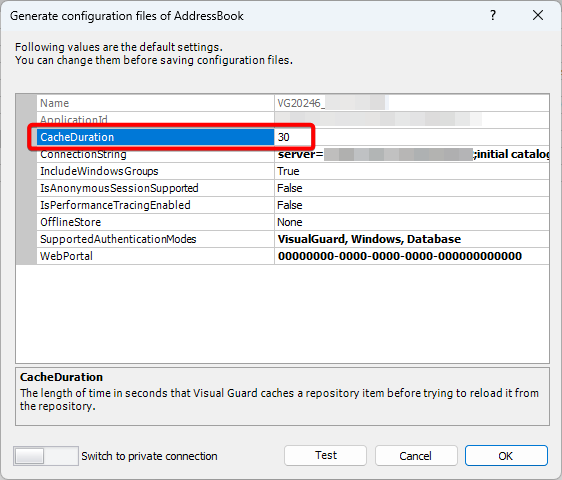
Cache Duration displays the time in seconds that is taken by Visual Guard to cache a repository item before reloading into the repository.
To modify the Cache Duration, follow the steps below:
- Select the Repository > Application > Generate Visual Guard Configuration Files menu.
- The details of the associated Configuration Files will be displayed as shown below.
- Click on the Cache Duration row
- Enter the new Cache Duration
- Click OK to save